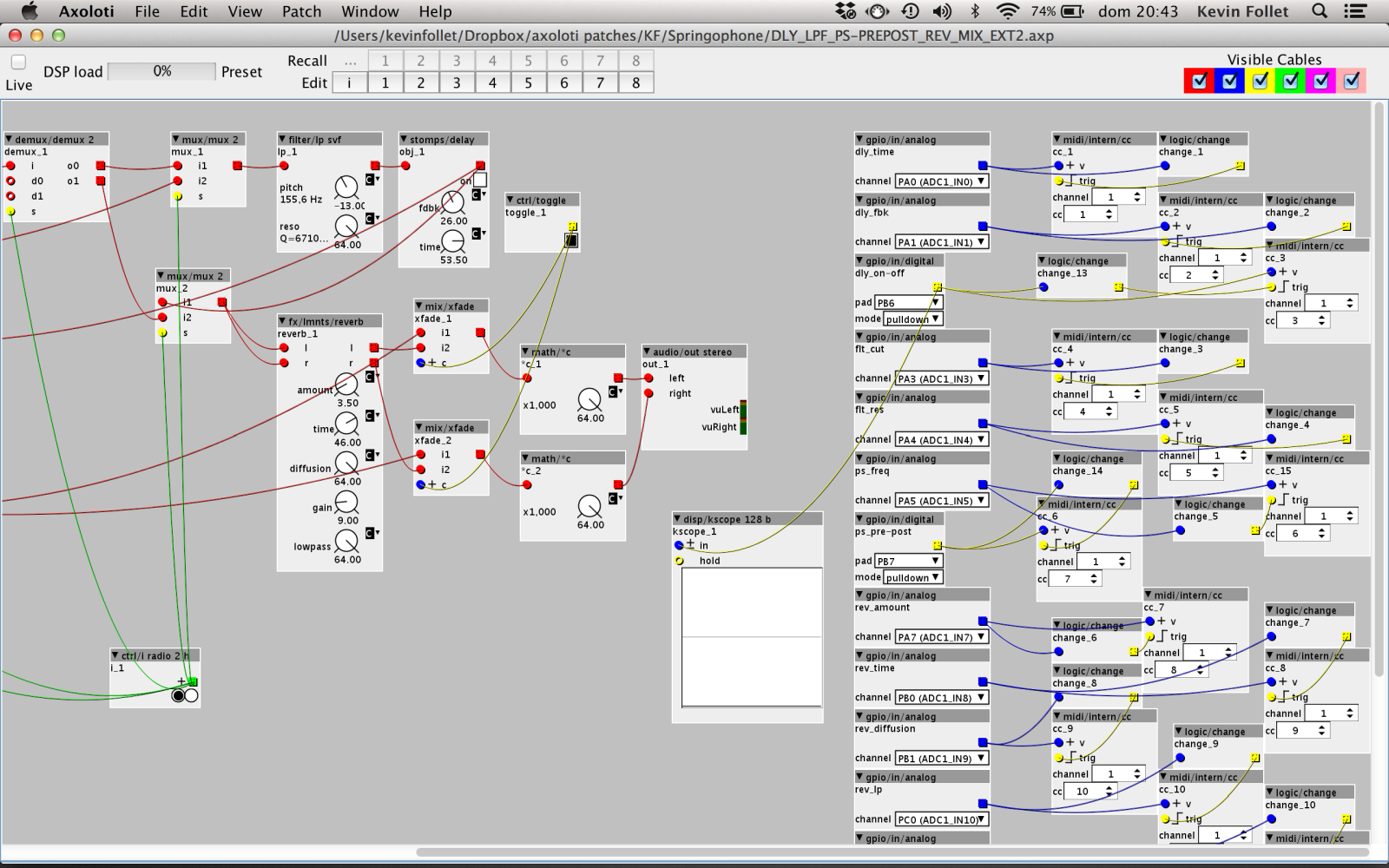
the issue with using midi , is by definition it quantises everything to 7bit ..
how is better depends on the object you are targeting, if they have inlets, you should be using these, if not then you should use mod source - this will keep it all 32bit, and also mean less conversions (which can introduce numerical inaccuracies)
also with pots, you need to pass the values thru a low pass filter (or similar) , to remove the noise, which otherwise cause a high frequency 'warbling' , as parameter values are oscillated at 3khz
... also check the threads on 'execution order', you should always place your change into trig , before the object you want to trig.
checking for noise, simplest way is to connect the gpio output to a scope, and look to see if how much the value is fluctuating .. you might need to scale the output, to see the fluctuations clearer.
to see what is normal (some noise is to be expected) check all of your pots, to see which are better/worst... if some are obviously worst, then they probably need re-soldering.
... afterwards, you can also use this visualisation, to see if your low pass filtering is working as expected.
I suspect, its mainly a patching issue... and that once you filter, and don't go thru midi, there might still be a bit of noise.
there is a possibility you may want to also use a smooth object to smooth the k-rate inputs further, but these probably is not necessary once you have an LP on the gpio outputs... but if you combine external midi too, then it will be necessary.


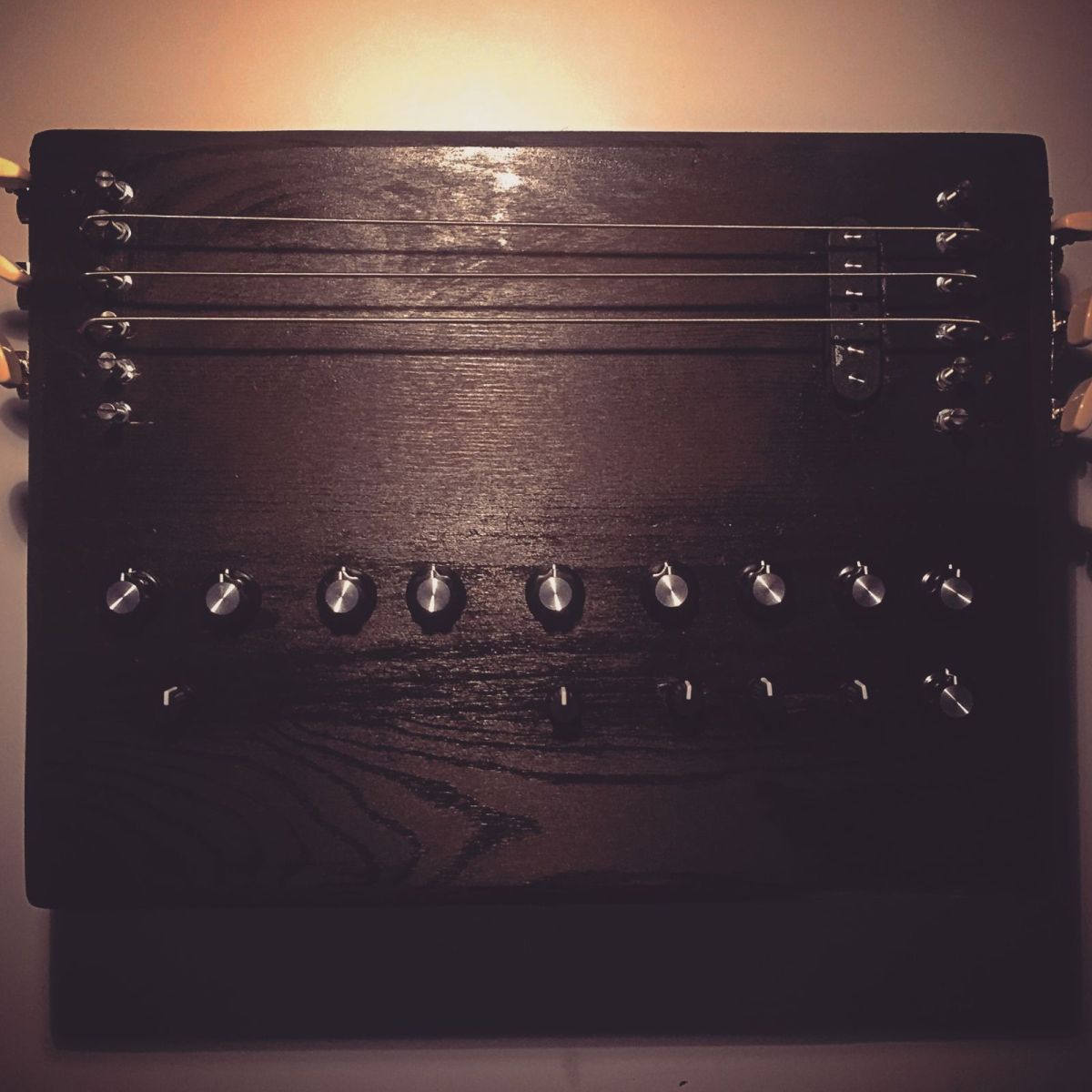
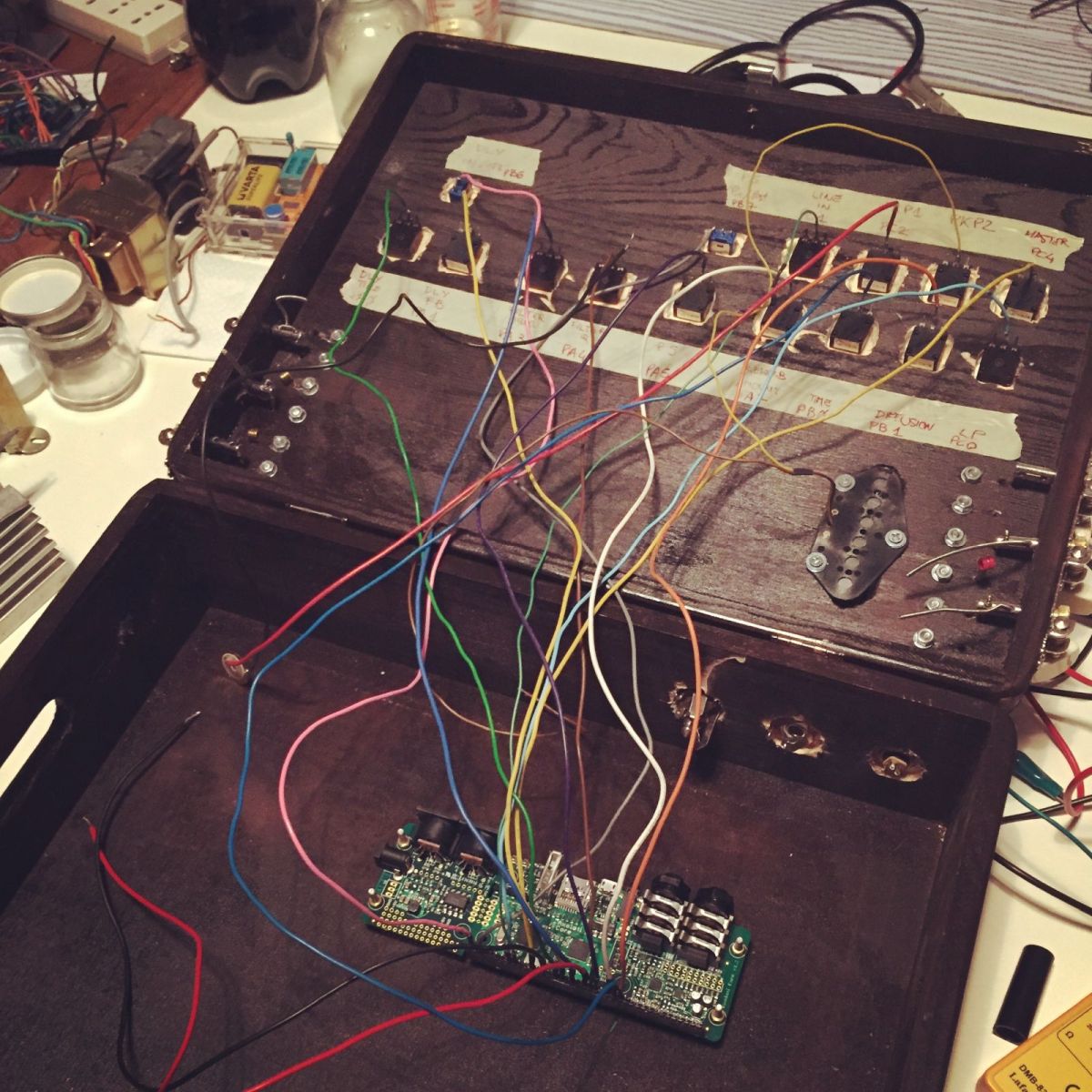

 it’s excellent as a destroy machine but it isn’t what I want